How to Choose a WhatsApp Plugin for WooCommerce
By Flying Star Technologies. Published 31 October 2026.
Most WhatsApp plugins look alike on the plugin page. The differences show up in speed, privacy and what is locked behind a paid plan. Check these before you install one on a live store.
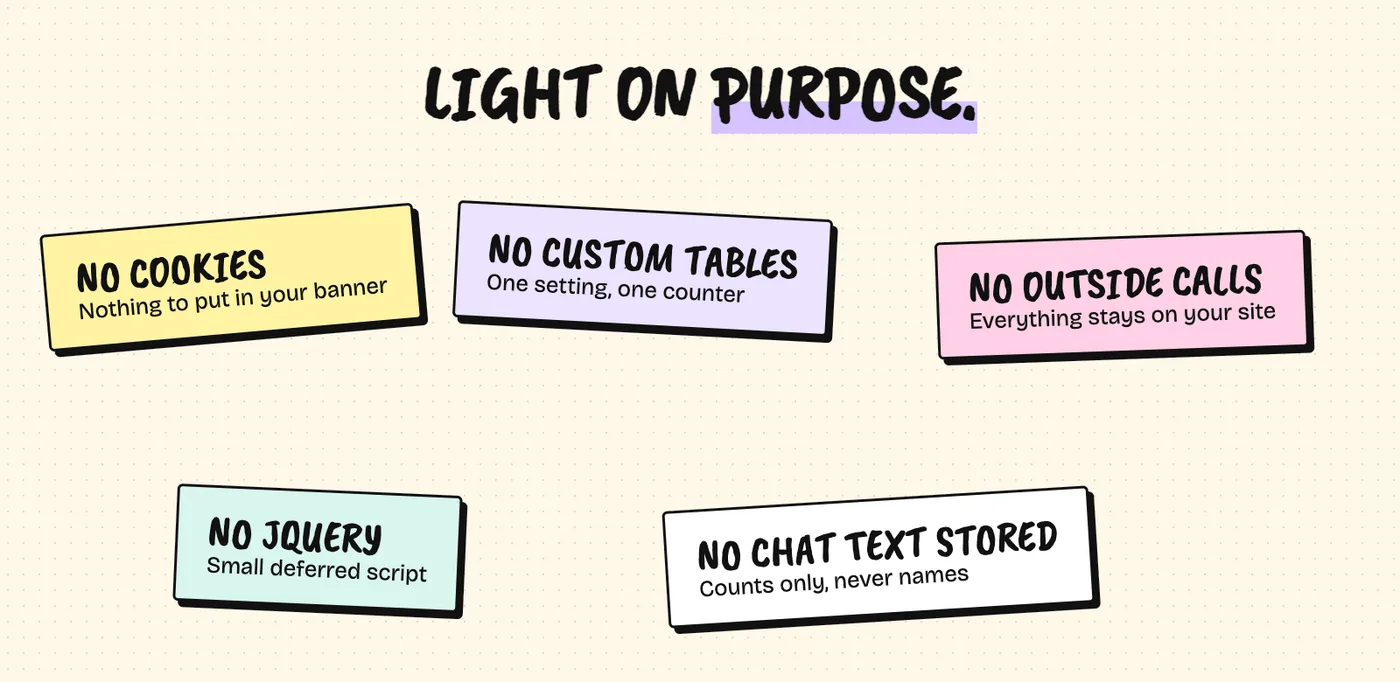
Speed: what does it load?
Look at what the plugin adds to every page: scripts, stylesheets and fonts, and whether they load with defer. Check if it needs jQuery. A chat button should not be heavier than the product image next to it.
Privacy: cookies and stored data
Ask what it stores and where. A plugin that sets cookies adds to your consent banner. A plugin that stores chat text or phone numbers adds to your privacy policy. A plugin that only counts taps does neither.
Outside requests
Some plugins call outside servers for fonts, icons, updates of their own, or analytics. Check the readme and the network tab. Fewer outside calls means fewer things that can fail or leak.
Page caching
If the plugin changes the HTML per visitor, page caches can break or grow. A good plugin gives every visitor the same HTML and works out the details in the browser.
Product and order context
A button that opens an empty chat saves little. Check whether the message includes the product, variation, price, SKU and link, and the order number on order pages.
Checkout and the buy button
The button should not cover Add to cart on phones, and you should be able to hide it on checkout. A quiet inline button under Add to cart is better than a loud one on the product.
What is free and what is paid
Read the free and paid lists line by line. Some plugins lock basics like business hours or a second number. Check also that the paid code is in a separate plugin, which is what the WordPress.org rules expect.
Do you learn anything from it?
The most useful thing a chat button can give you is a list of what buyers keep asking, because each repeated question is something to fix on the product page. Check whether the plugin counts questions, and whether that is a paid feature.
Want the button without the setup?
Askdesk Chat for WooCommerce is a free plugin that puts the product, price and link in the first message, and counts what buyers ask.
See the pluginQuestions
Do I need a plugin at all?
Not strictly. You can paste a click to chat link into a button. But a plugin builds the link from the product the buyer is looking at, which a static link cannot do.
How do I check what a plugin loads?
Open a product page, open your browser developer tools, go to the Network tab, reload, and filter by the plugin name.