WhatsApp Click to Chat Link for WooCommerce Products
By Flying Star Technologies. Published 31 October 2026.
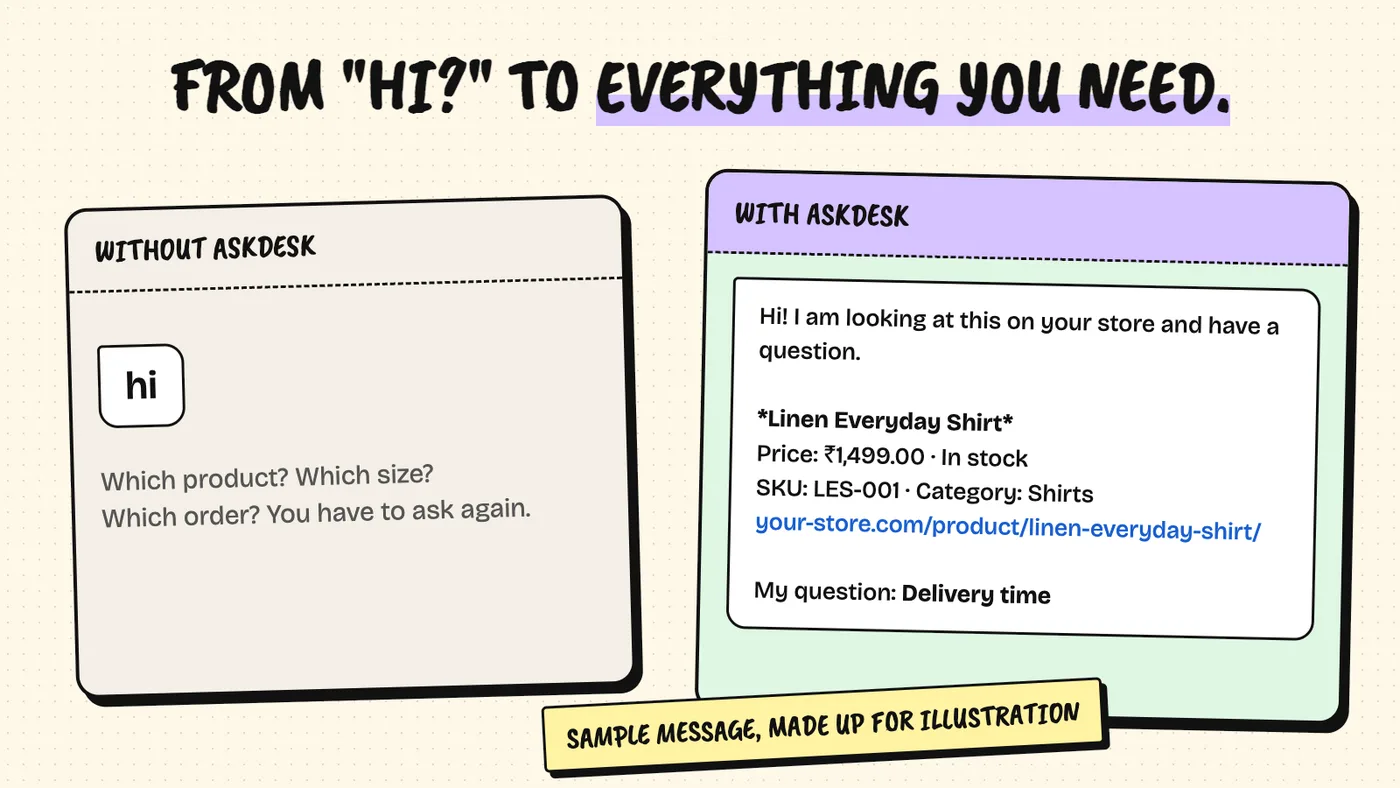
A plain WhatsApp link opens an empty chat, so the first message is usually "hi" and you have to ask which product. A click to chat link can carry the message with it. Here is how the link is built and where it goes wrong.
How a click to chat link is built
The link has two parts: your number and the text. The format is https://wa.me/ followed by the number with country code and no plus sign, spaces or dashes, then ?text= followed by the message.
The message must be URL encoded. A space becomes %20 and a new line becomes %0A. If you paste raw text with spaces, quotes or a hash sign, the link can cut off at the wrong place.
What to put in a product message
The best first message answers the questions you would otherwise ask: which product, which variant, what price, and where is the page. For a WooCommerce product that means the title, the chosen variation, the price, the stock status, the SKU and the product link.
On an order page the useful details are the order number and its status. In the cart, the list of items and the total.
Common mistakes
Leaving the plus sign or leading zeros in the number, which makes the link open a wrong or empty chat. Not encoding the text. Using one static link for every product, so the message names the wrong item. Hard coding the variation, so a buyer who picked a size still shows the default.
A link that is generated in the browser from the page the buyer is on avoids the last two, which is why a plugin is easier than hand written links.
Doing it without hand written links
Askdesk Chat for WooCommerce builds the link in the browser from the current product, the chosen variation and the live price, then opens it when the buyer taps a question. The message closes with the question they picked, so you can reply to the actual question straight away. Nothing is sent until the buyer presses send.
Want the button without the setup?
Askdesk Chat for WooCommerce is a free plugin that puts the product, price and link in the first message, and counts what buyers ask.
See the pluginQuestions
Does the number need a plus sign?
No. Use the country code and the number with no plus sign, spaces or dashes.
Can the message include the product link?
Yes. Include the product URL in the text. WhatsApp shows it as a tappable link in the chat.
Does this need the WhatsApp Business API?
No. A click to chat link opens the normal WhatsApp or WhatsApp Business app.